

Find out which theme any Shopify store is using.
Enter a store’s domain and see its live theme, the base theme it’s built on, its version and whether it’s sold on the Shopify Theme Store.
- Reads the theme data the store itself publishes
- Spots custom and renamed themes by their base theme
- Free, unlimited, no sign-up
Shopify Theme Detector
Enter any Shopify store domain to see its live theme.
Three steps from store URL to theme name
-
Enter a store domain
Paste any Shopify store address, like allbirds.com or a myshopify.com URL.
-
We read the store’s theme data
Every Shopify storefront publishes details about its active theme. The detector reads them from the store’s public homepage.
-
See the theme and base theme
You get the theme name, the theme it’s built on, its version and a link to its Theme Store listing.
Found a store you like? Start with a theme built for your niche.
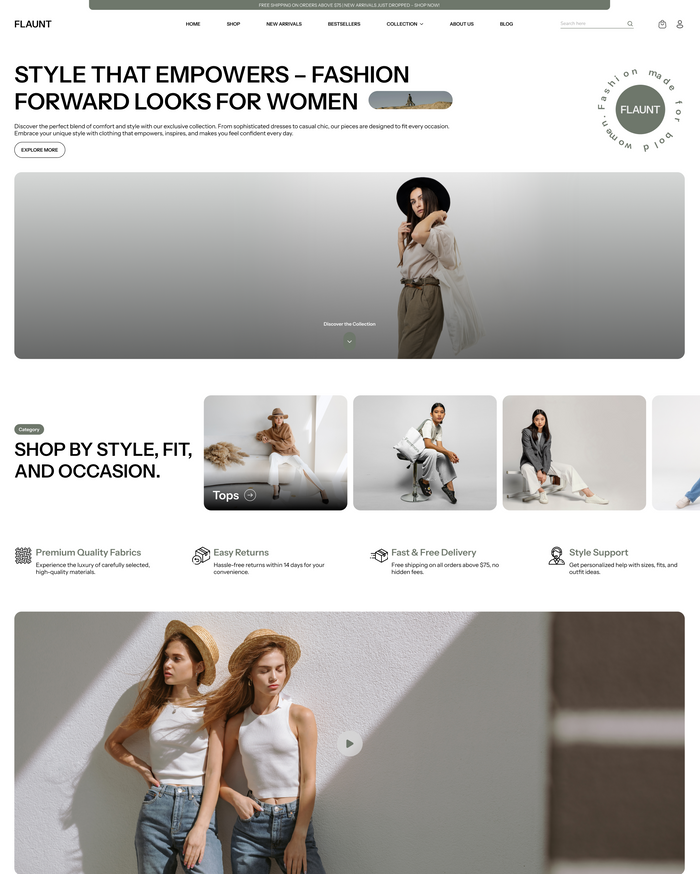
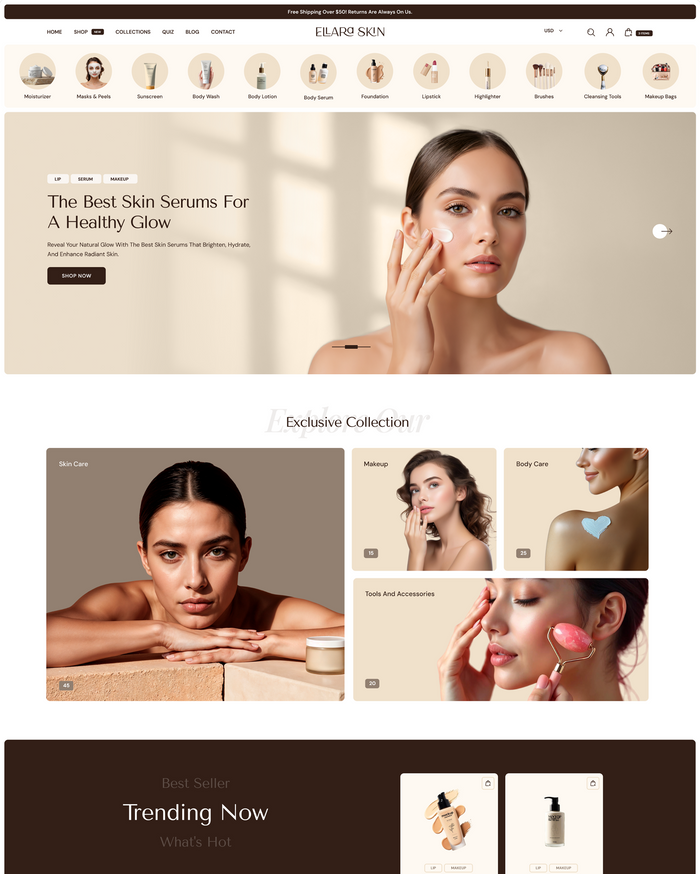
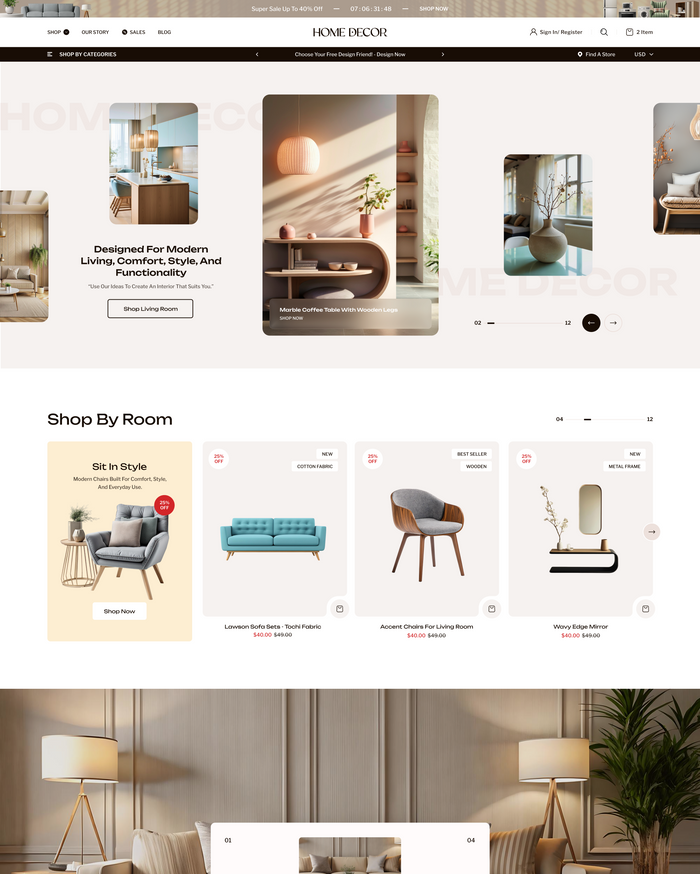
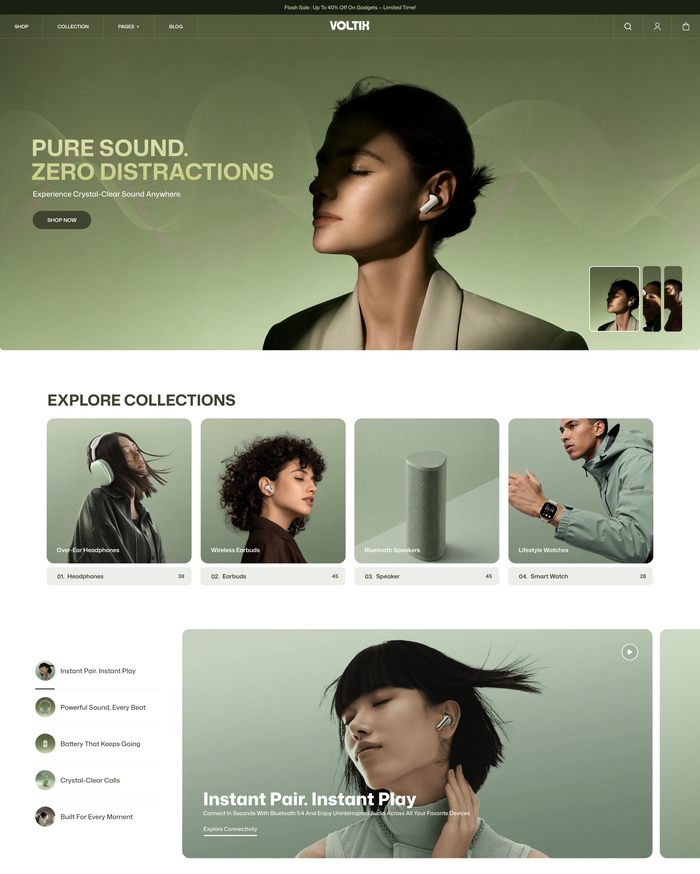
Our themes are sold on the official Shopify Theme Store, with setup support from the Vowel Web team.

Launch your own Shopify store and use any theme you find.
Start a Shopify trial, install a theme from the Theme Store, and have your store taking orders without writing code.
Affiliate disclosure: Vowel Web may earn a commission if you sign up through this link, at no extra cost to you.
- Hosting, checkout and payments included
- Free and premium themes on the Theme Store
- Thousands of apps for email, reviews and upsells
How does the Shopify theme detector work?
Every Shopify storefront includes a small piece of public data describing its active theme: its name, the theme it’s based on, its version and its Theme Store ID. The detector loads the store’s homepage and reads that data.
Why does the theme name look different from the Theme Store name?
Store owners can rename their theme, for example “Store | Working copy”. The base theme shows the original theme it was built from, such as Dawn or Prestige.
Can it detect custom themes?
Yes. If the store runs a custom theme, you’ll see its name and, where the developer kept it, the base theme it was built on. Fully custom themes show as not listed on the Theme Store.
Why didn’t it work for a store?
The site may not be on Shopify, may be password-protected, or may block automated requests. Check the domain and try again, or try the store’s myshopify.com address.
Is the tool free?
Yes. The Shopify theme detector is free to use with no sign-up.
Where can I buy a theme like the one I found?
Use the Theme Store link in your result. If you want a premium theme for your niche, browse Vowel Web’s themes: Adorn, Flaunt, Dynamic, Renovate and Voltix.